ROI Calculator

See how legal calendaring can help your bottom line grow.

Calculate

Events

Events

Lets Meet at ILTACON 2026!

Sign Up For a Demo

Next Event

Next Event

August 23-27, Attending ILTACON?

Book a Demo Here

Professional documents.
In half the time.

Attorneys spend 40% of their document time on formatting - not drafting. LegalBar lives inside Microsoft Word so your team produces documents faster, formats consistently, and never starts from scratch.

LegalBar software
Smart Templates
Easily format documents with firm-customized templates that automatically pull client and matter data.
Styles & Numbering
Apply firm-standard heading styles, numbering, and outlines in one click - or clean and reformat any existing document automatically.
File Stamp
Automatically insert document ID, version number, and matter details directly into every document.
Customizable & Integrated
Configurable to fit your firm's specific needs and built to work with your existing Time & Billing and Document Management systems.

TEMPLATE AUTOMATION

Start every matter from a template -
and skip the setup work.

Access firm templates for letterhead, fax, memoranda, and pleadings directly from the Word. Fill-in dialogs auto-populate author details, addressee information, and matter data - so your team generates complete, accurate documents in minutes.

  • Templates organized by practice group for fast, easy access
  • Personal templates let your staff save their own frequently used documents
  • Auto-populates client and matter details from Outlook contacts, BEC MatterLink, or your CRM
  • Multi-office stationery logic keeps every location consistent
Template automation

STYLES & NUMBERING

Firm-standard formatting.
Applied in one click.

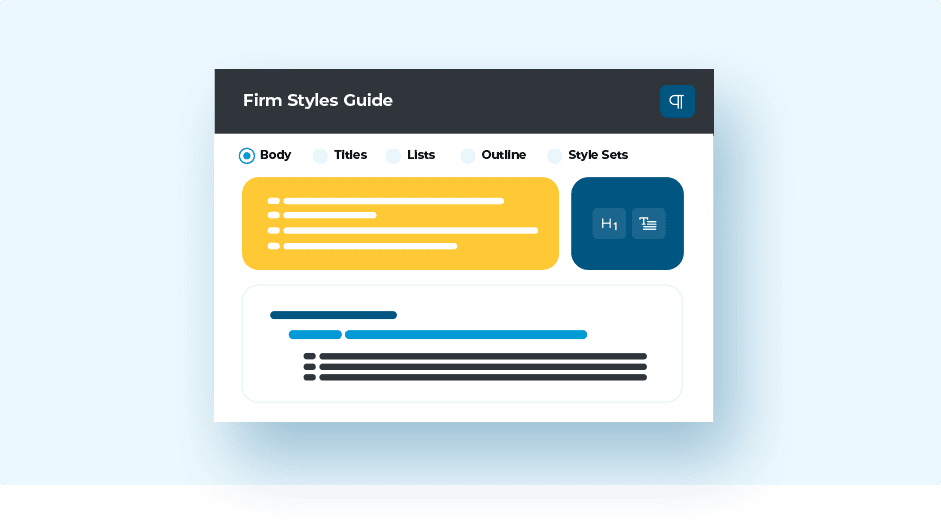
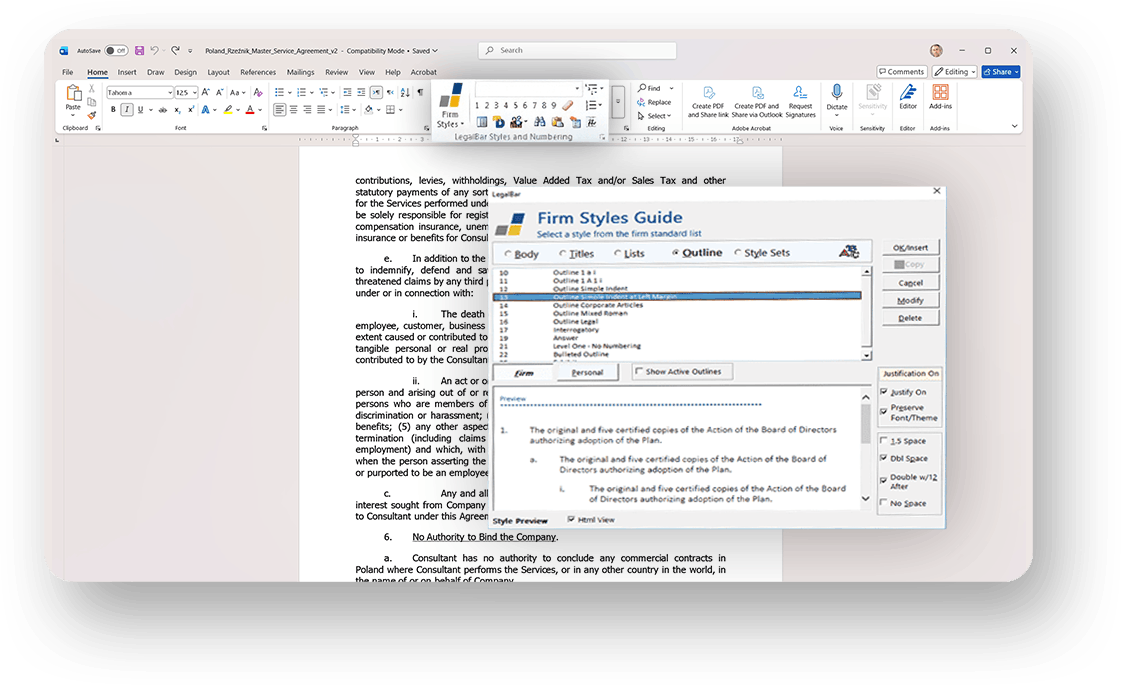
Access your firm's complete style library directly from the Word ribbon - body text, headings, numbered outlines, and lists, available from any document, any time.

  • Firm Styles Guide puts firm-wide and personal style sets at your fingertips without leaving Word.
  • Robust numbering lets you modify outlines, use multiple numbering schemes, and detect existing numbering in any document.
  • Document Defaults apply your firm's approved theme to any document instantly.
  • Document cleaning tools strip inconsistent formatting and reformat to firm standards in a guided process.
Styles and numbering

LETTER & CORRESPONDENCE

A perfectly formatted letter.
In just a few steps.

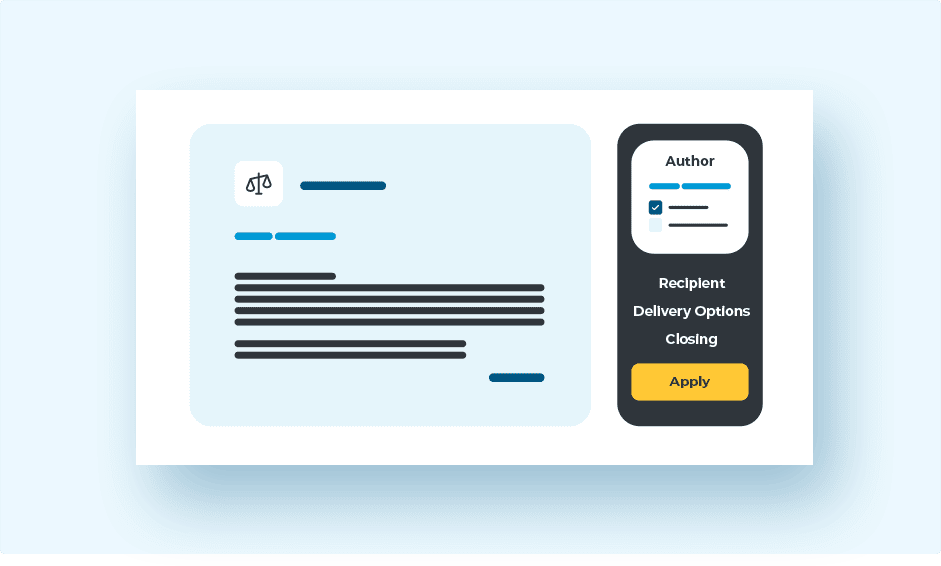
Pick a recipient, select a subject line, confirm your author - and Letter Express generates a complete, firm-standard letter automatically. Existing documents can be transformed into letters just as easily.

  • Auto-populates recipient details from Outlook contacts or MatterLink matter contacts.
  • Standard subject line choices keep correspondence consistent across the firm.
  • Attorney-based formatting preferences applied automatically per author.
  • All correspondence tools consolidated in one dedicated Word ribbon tab.
Letter and correspondence

FILE STAMP

Every document identified.
Automatically.

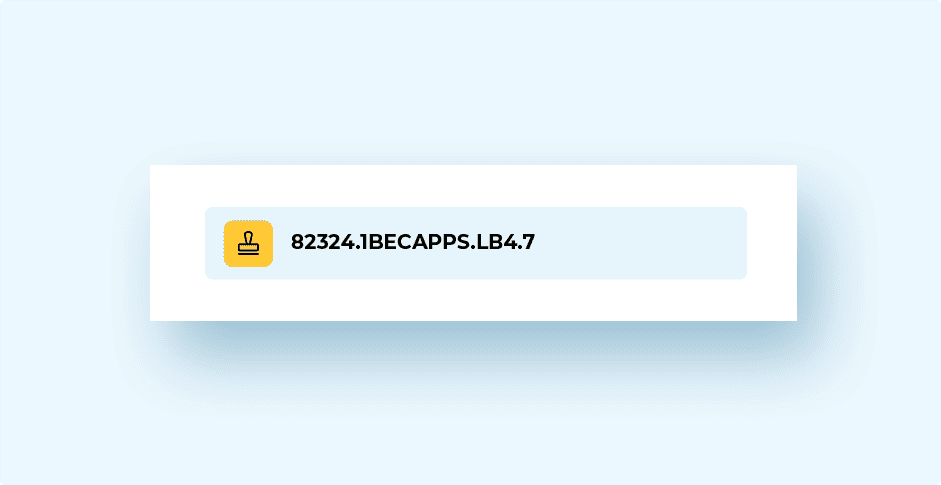
LegalBar inserts a file stamp directly into the document - pulling version numbers, matter details, and author information from your DMS so every file is traceable from the moment it's saved.

  • Integrates with iManage, Work10, and NetDocuments for automatic version and document numbers.
  • Captures author, typist, client/matter number, and date and time of last save.
  • Flexible placement and formatting to match your firm's document standards.
File stamp

DOCUMENT CLEANING

Any document.
Reformatted to firm standard.

Received a poorly formatted document from outside the firm? LegalBar's cleaning tools strip inconsistent formatting and rebuild it to your firm's standards - automatically and in a guided process.

  • Clean and Prepare removes unwanted formatting in one step, with default settings you can customize.
  • Stylize by Paragraph lets you apply styles or style sets paragraph by paragraph for precise control.
  • Pattern Match detects formatting patterns, replaces direct formatting with proper Word styles, and preserves margins, headers, footers, and graphics.
  • Discover Document analyzes complex documents to surface formatting problems before you begin cleaning.
Document cleaning

ENTERPRISE-READY

Your infrastructure. Fully Integrated.

LegalBar deploys within your existing infrastructure - on-premise or hybrid - integrating with the systems your firm already runs, without disruption

  • Native integration with iManage, Work10, and NetDocuments.
  • Connects to leading Time & Billing systems.
  • Data stays within your environment, meeting the most demanding security requirements.

Attorneys spend up to 40% of document time on formatting.

LegalBar gives that time back - so they can focus on the work that matters.

Book a call

FAQ

No - it works as an add-in inside Word.

LegalBar is an on-premise application. If you are seeking a cloud-based document automation solution, consider CoreRespond.

Contact us for a quote.