ROI Calculator

See how legal calendaring can help your bottom line grow.

Calculate

Events

Events

Lets Meet at ILTACON 2026!

Sign Up For a Demo

Next Event

Next Event

August 23-27, Attending ILTACON?

Book a Demo Here

Modern document automation.
Built for Office 365.

CoreRespond lives in the Word Task Pane - so your team creates, formats, and automates documents faster and with less overhead.

document automation Office 365
Smart Templates
Access all firm templates from the Word Task Pane - organized by office and practice group, always current.
Guided Correspondence
The Letter Wizard walks your team through every letter step by step - recipient, author, formatting - all from the Task Pane.
Author Preferences
Per-attorney stationary, formatting, and closing settings applied automatically - stored centrally, not scattered across workstations.
Centrally Managed
Designed for Office 365 - simpler to deploy, easier to maintain, with fewer workstation dependencies than traditional add-ins.

TEMPLATE ORGANIZER

All your firm’s templates.
Organized and always current.

Templates live in a SharePoint library and open directly in the Word Task Pane - searchable, organized by office and practice group, and updated for every user the moment they change.

  • Folders and subfolders by office or practice group for fast, structured access.
  • Search and filter by name, office, practice group, or template type.
  • Draft mode keeps in-progress templates visible to admins only, hidden from regular users.
  • No deployment to workstations - templates update automatically for everyone.

Template organizer

GUIDED CORRESPONDENCE

A finished letter.
Guided from start to send.

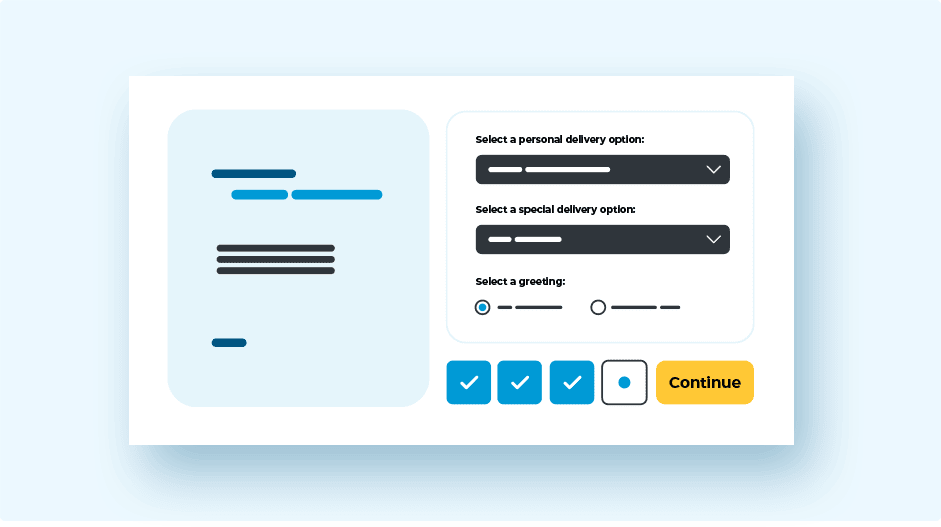
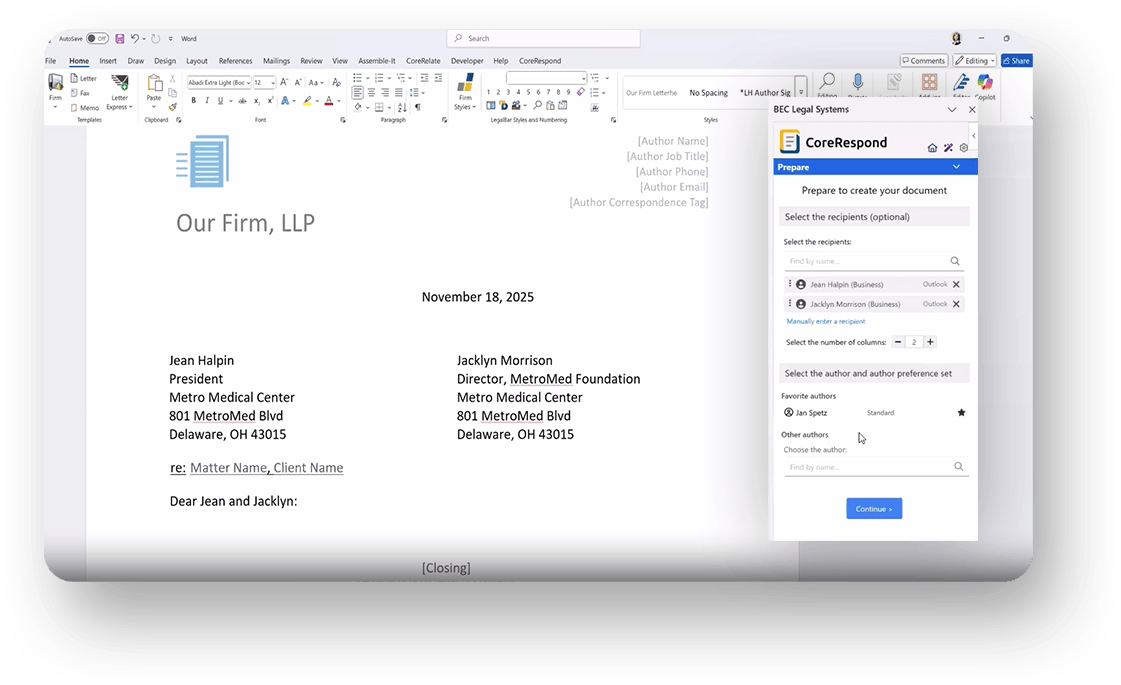
Double-click a letter template and the Letter Wizard takes over - walking your team through recipient, author, subject line, and formatting entirely from the Task Pane. No manual setup, no formatting to fix.

  • Recipient lookup connects to Outlook - search by name or company and drop contacts directly into the document.
  • Author selection instantly applies stationary, headers, footers, closing, and all formatting preferences.
  • Subject line, greeting, closing, enclosures, and CC/BCC configured in a single guided flow.
  • Switching authors updates every element in the document in real time.
Guided correspondence

AUTHOR PREFERENCES

Every attorney’s preferences.
Applied automatically.

Author settings - stationary, closing, formatting, delivery options - are stored in the cloud and applied the moment an author is selected. No files to deploy, no workstation configuration.

  • Supports multiple preference sets per attorney for different correspondence contexts.
  • Multi-language support - stationary sets and preference values available in any language.
  • All settings stored in the Correspond database - no INI files or registry keys to manage.
  • Favorite authors surfaced for quick access during document creation.
Author preferences

VARIABLE BUILDER & FILL-IN EDITOR

Smart placeholders.
Guided data entry.

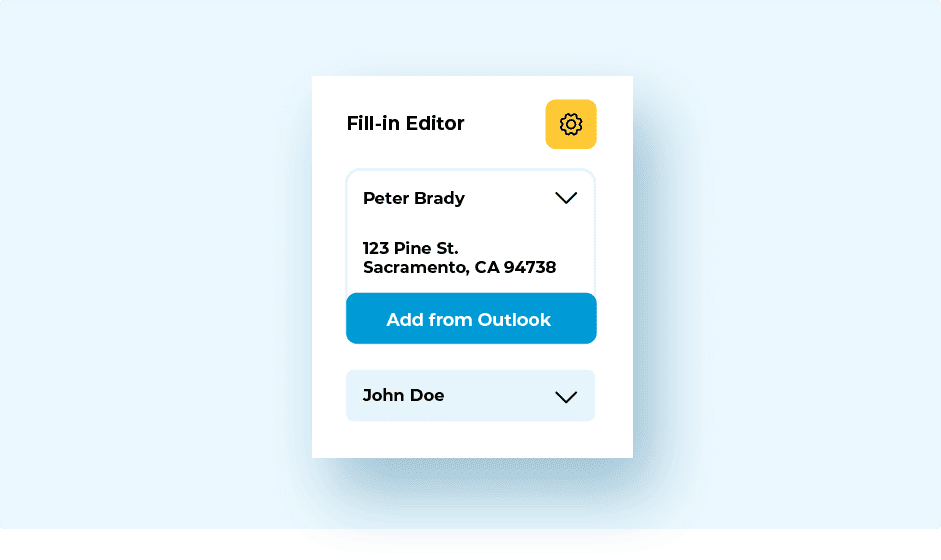
Build templates with named variable placeholders, then fill them in through a guided Task Pane dialog - pulling from Outlook contacts, matter data, or manual entry.

  • Single fields or named sets, with optional repeat logic for multi-instance data.
  • Date fields include a calendar picker; person fields connect to Outlook.
  • Repeating blocks support “Add Another” for multi-recipient or multi-item scenarios.
  • Empty field options remove blank placeholders automatically from the finished document.
Variable builder

BUILT FOR OFFICE 365

Designed for Office 365.
Built to scale.

CoreRespond runs in the Word Task Pane using Microsoft’s modern Office JS platform - deployed via a single manifest file, with no INI files, no registry keys, and no per-workstation configuration to manage.

  • Templates centralized in a SharePoint library - no deployment to individual workstations.
  • Distributed via Office 365 Admin Portal or Microsoft Intune in a single one-time step.
  • All preferences, custom lists, and settings stored in the Correspond database.
  • Secured with Microsoft Entra ID for modern, standards-based user authentication.

Who it’s built for:

  • Law firms - standardize correspondence and templates across practice groups with a consistent, centrally managed setup.
  • IT & Administration - one manifest to deploy, central template management, no workstation-level configuration.
  • Legal Operations - full control over firm templates, author preferences, and defaults from a single configuration point.

Microsoft Office 365

Your legal assistants spend up to 30% of their day
drafting and reformatting correspondence.

CoreRespond gives that time back - so they can focus on the work that actually moves matters forward.

Book a call

FAQ

CoreRespond requires Office 365 and is deployed via a single manifest file distributed through the Office 365 Admin Portal or Microsoft Intune. It also requires a SharePoint library for template storage and Microsoft Entra ID for user authentication.

Office 365, a SharePoint library for template storage, and Microsoft Entra ID for user authentication.

CoreRespond's public API supports connections to different data sources, including Outlook contacts, Filevine, and Interaction.

Contact us for a quote.